Rewind and listening history
Rewind helps you explore what you have listened to in Audexis. Open Rewind from the library navigation and choose a year, a month, or the full year.
The view summarizes listening time and your top tracks, artists, and albums. Home also uses listening activity for recent and frequently played selections.
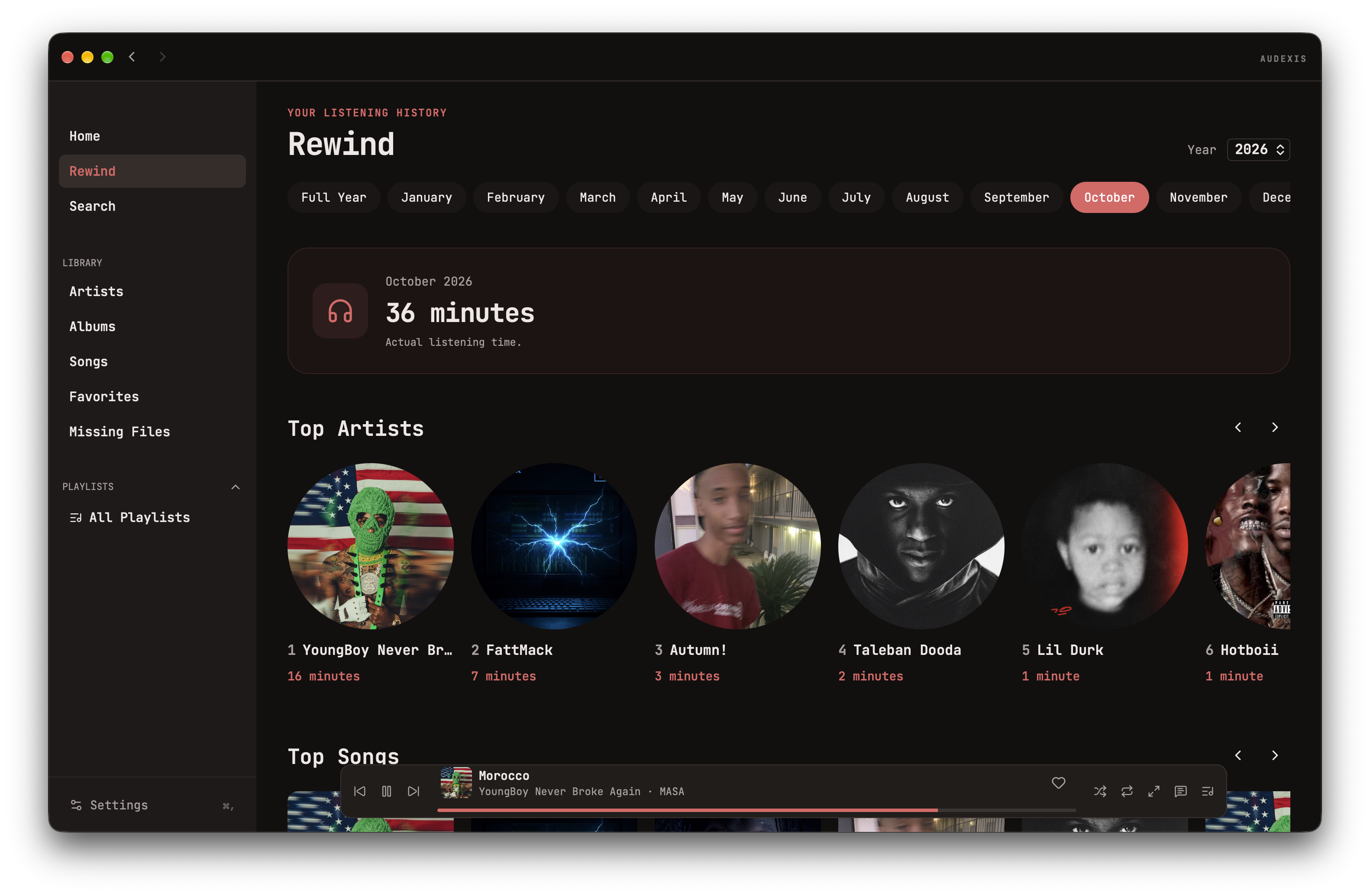
Listening time versus play count
Listening time measures time spent listening. A counted play is a separate event that qualifies after enough of the track has been heard.
This is why a short listen can contribute activity without adding a full play, and why one long track can contribute substantial time without many play counts.
When a play qualifies
The current play counter uses these thresholds:
- Tracks shorter than 30 seconds: 90% of the track.
- Other tracks with a known duration: half the duration, with a minimum of 30 seconds and a maximum of four minutes.
- Unknown duration: four minutes.
A playback session counts at most once. The counter tracks heard ranges, so repeatedly seeking through the same short section does not simply add that repeated range toward the qualification threshold.
Recent activity can appear earlier than a fully counted play. Seeking to the end is not equivalent to listening to the intervening audio.
Keep your history
Listening records live in the local library database. Copying audio files to another computer does not carry Audexis’s listening history with them. Back up app data as well as music if you want to preserve it.